TeraBox
TeraBox gets free 1TB secure cloud storage

Safe & Secure
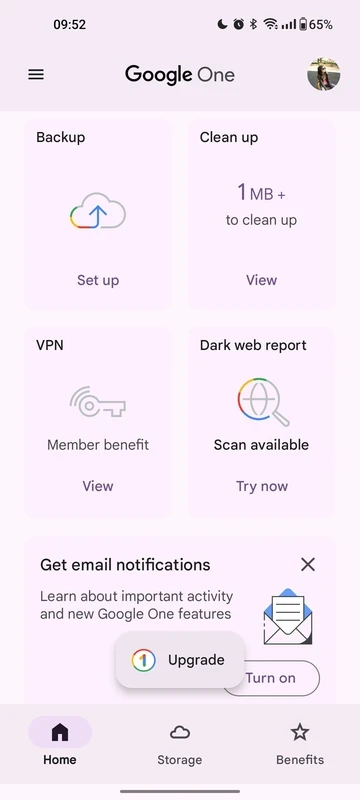
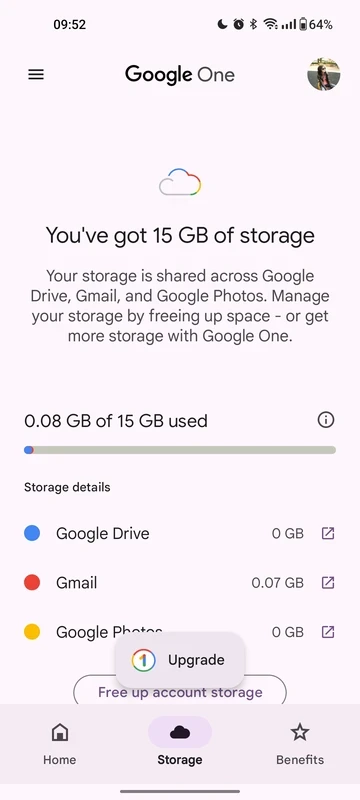
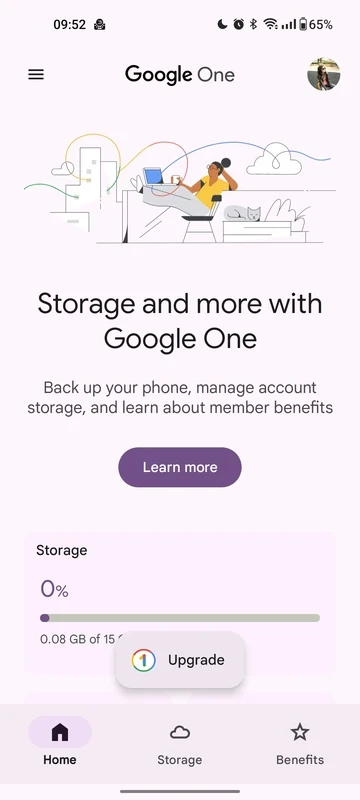
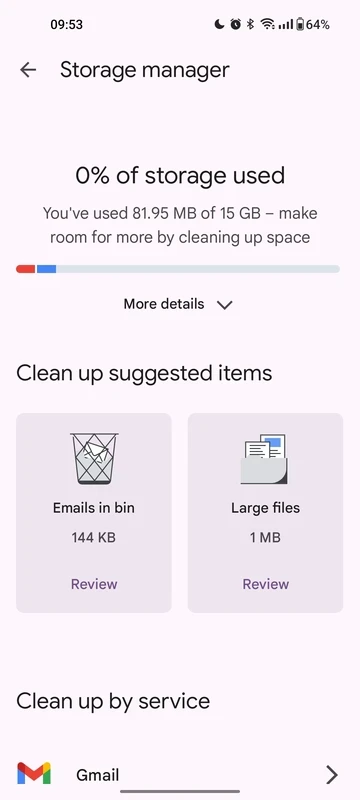
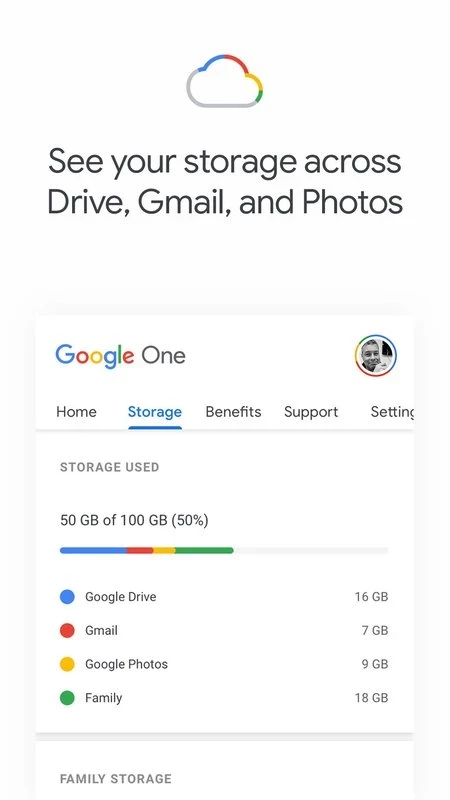
Google One is the official cloud storage service from Google that offers automatic backup for your phone and cloud storage management. It is capable of using the 15GB free cloud storage and allows users to manage cloud storage across multiple productivity apps, including Google Drive, Gmail, Google Photos, and so on.
The freemium app enables users to expand their cloud storage space using a subscription plan and unlocks exclusive features for storing their photos, videos, and documents. You will find multiple tiers to select from according to your requirements.
Google One is a subscription-based platform developed by the powerful and leading technology expert, Google LLC, and was launched in 2018. It helps to extend the available 15GB free cloud storage for your Google account, offering multiple paid plans ranging from 100GB to 30TB.
It is a useful tool to offer services for other productivity Google Apps, including Google Drive, Gmail, and Google Photos. It offers expert support as well as multiple innovative features to manage your data in the cloud services.
All of us with a Google account have the facility of 15 GB of free cloud storage that is commonly usable for Google Photos, Gmail, and Google Drive. However, if we want more cloud storage, we can increase it using Google One, which allows us to get extra storage while selecting the subscription plan, and reliably manage the space for different kinds of files. In this way, we can optimize our device’s performance while clearing up the space.
It is one of the core features, offering various flexible paid plans that better suit our requirements. The plans are affordable within monthly rates, ranging from 100GB to several terabytes. Such plans offer scalable storage and can be used for multiple purposes, such as backing up your personal photos, important work files, and so on. In addition, the subscribers can get additional benefits, including discounts for Google products, get special offers, and also earn Google Play credits,
It is another advanced functionality offered by the app to subscribers, as it helps to improve the picture quality while offering advanced filters, portrait lighting effects, and multiple other innovative editing functionalities. It helps to manage your visual content within an exclusive place without switching to other apps for the purpose.
An efficient team of Google experts is available to assist you if you have any questions or encounter any storage-related issues. The expert team is always ready to provide personalized and efficient assistance. So, you can directly contact a technician, describe your problem, and easily figure out the solution.
It is the best solution to avoid losing your important office data, pleasant memories, or important emails, as the availability of an automatic backup data facility ensures the recovery of lost documents, and reliably adds to your smartphone for further use. You can manage your cloud storage right on the clean and straightforward interface, as after launching, you will view the current status of your cloud repository, such as used storage, available storage, junk files, and so on. You have to configure the settings before starting automatic backup, such as;
It is also a standard feature, as the app allows you to share a single subscription with up to 5 family members or friends as well. So, there is no need to get separate accounts; instead, every shareholder can get their own private storage space. The cost-effective solution makes your personal cloud storage usage simple and easy.
The simple and easy file management tool offers an organized interface to make your files easily accessible. It is available for Premium users to manage their files, and reliably access to any desired ne. It is the best option, specifically for users who have to handle a lot of files simultaneously.
The app offers the most important security and privacy for protecting the stored files, encrypting all files in both positions: in transit and at rest. It ensures the safety and accessibility of files are simple and smooth, within strong encryption and Google’s reliable infrastructure. In addition, it also allows users to customize storage settings and sharing preferences while selecting the storage capacity to share with others.
Pros
Cons
TeraBox gets free 1TB secure cloud storage

MediaFire offers up to 50GB of storage with shareable links and automatic backups.

ZArchiver compresses, previews, and manages password-protected archived content

RAR open, compress, and decompress files with huge file format support

MEGA, a free cloud storage with secure syncing across mobile devices